GitHub Integration
Align connects to GitHub to automatically link commits and pull requests to entries, and to surface CI results in release evidence.
Setting Up the GitHub Integration
An admin must configure the GitHub connection once per organisation.
- Go to Settings → Integrations → GitHub.
- Click Connect GitHub.
- You'll be redirected to GitHub to authorise the Align app.
- Select the organisation or account and the repositories you want to grant access to.
- Click Install & Authorise.
You'll be returned to Align with a confirmation that the GitHub app is installed.

Linking a Repository to a Project
After the GitHub app is installed, link individual repositories to projects:
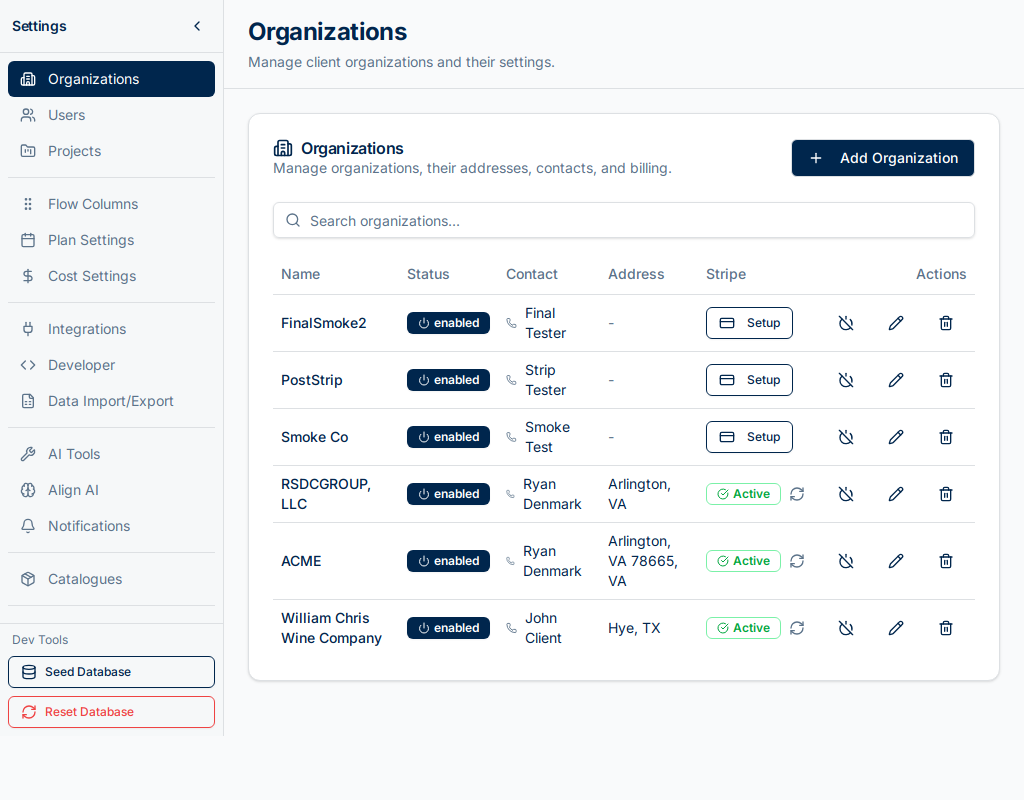
- Open a project and click Settings → GitHub.
- Click Link Repository.
- Search for and select a repository from the list.
- Click Link.
A repository can be linked to multiple projects. Events (pushes, pull requests) from that repository will be processed for all linked projects.
Automatic Commit Linking
Commits are linked to entries automatically when the commit message references an entry number:
fix #42 login redirect on mobile
feat #101 add export to CSV
Supported formats: #42, entry-42, entry #42.
Once linked, the commit appears in the entry's GitHub tab showing:
- Commit SHA, author, and message.
- The branch and repository.
- CI run results (passed/failed/pending).
- Test counts if available.
Pull Request Linking
Pull requests that reference entry numbers in their title or description are also linked automatically. Merged pull requests appear in the entry's GitHub tab alongside commits.
Webhooks
Align receives events from GitHub via webhooks that are configured automatically when you install the GitHub app. You do not need to configure webhooks manually.
The events processed are:
- Push — commit created.
- Pull Request — opened, merged, closed.
- Check Run / Check Suite — CI results.
Release Evidence
When a release is in Completed or Released status, the GitHub evidence section of the Release Evidence API captures:
- All linked commits per entry.
- Pull request details.
- CI pass/fail results.
This data is used to compute the release completeness score and satisfies audit requirements for traceable delivery.